
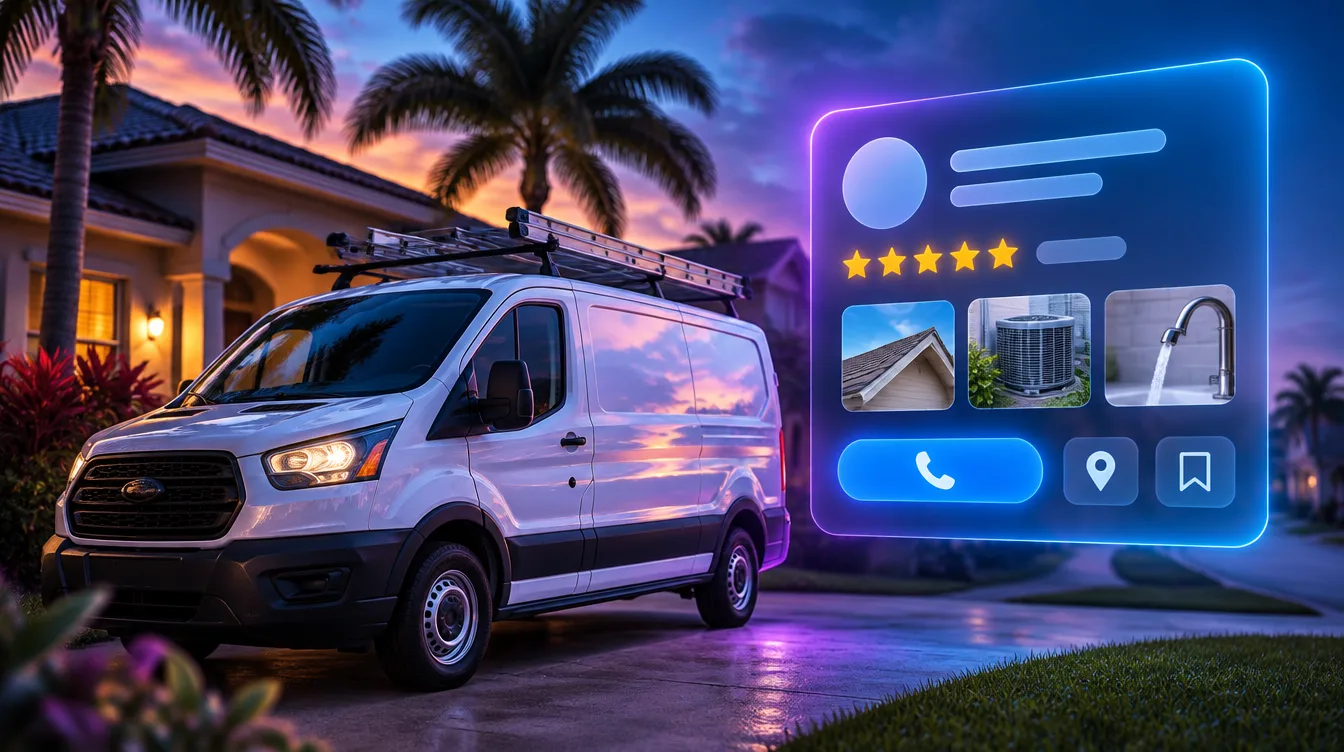
Network AI serves home service contractors nationwide and is based in Tampa Bay. The local examples below use Tampa Bay as an illustration of how a local market works — the same setup applies in any city you serve.
When a homeowner in St. Petersburg searches for an HVAC tech or a roofer, the first thing they see is not a website — it is the Google Maps list, powered by Google Business Profiles. If your profile is incomplete, outdated, or unverified, you are invisible at the exact moment a customer is ready to call. Here is how to set it up properly and keep it working for you.
01Claim and verify your profile
Go to business.google.com and search for your business name. If it already exists — Google often creates basic listings from public data — claim it. If not, create a new one using your real, legal business name.
Google needs to confirm you are the owner before your profile goes live. The most common method is a postcard with a verification code mailed to your address, which takes 5 to 14 days. Some businesses can verify by phone, email, or video.
- Use your real business name — no keyword stuffing like "Tampa's Best Plumber LLC."
- Set your service area to the cities and ZIP codes you actually cover.
- Complete every field before you request verification.
Mistake to avoid: do not skip verification. An unverified profile will not show up in Maps or local search — it is the difference between being found and being invisible.
02Choose primary and secondary categories
Your primary category is the single most important field for local ranking. Pick the most specific, accurate category available rather than a broad one that seems popular.
Add secondary categories only for services you genuinely offer. Relevance matters more than search volume, and a mismatched category can confuse both Google and the homeowners searching for you.
- Primary: Plumber, HVAC contractor, Roofing contractor, Electrician, or General contractor.
- Secondary: add related services like Water heater repair or Air conditioning repair only if you offer them.
- Review your categories every few months as your services change.
Pro tip: a plumber who picks "Plumber" as the primary and "Water heater repair" as a secondary will rank better for water heater searches than one who picks only "Plumber."
03Service areas versus a street address
If you go to customers rather than having them come to you, you can — and should — hide your street address. Google's guidance is clear that service-area businesses can list the areas they cover without showing a physical address.
List the cities and ZIP codes you actually serve, such as Tampa, Brandon, Riverview, and Lakeland. Do not list areas you cannot reach promptly, because slow response times lead to bad reviews that hurt your ranking.
- Select "I deliver goods and services to my customers" and hide your address if you work from home.
- Set your service area to the cities you can reach within your response time.
- Keep your service area updated as your territory grows or shifts.
Mistake to avoid: do not use a virtual office or a PO Box as your address to appear in a city you do not actually serve. Google's guidelines prohibit it, and it can get your profile removed.
04Services and descriptions
Fill out your services list with the specific jobs you handle — drain cleaning, water heater installation, AC tune-ups, roof inspections. Each service you add is another way a homeowner can find you.
Write a clear description of up to 750 characters that explains what you do, where you do it, and what makes you different. Include your services and service-area cities naturally, without keyword stuffing.
- List every service you offer, not just the most popular ones.
- Mention your service-area cities naturally in the description.
- Include what makes you different — same-day service, licensed and insured, family-owned.
Pro tip: a good description for a plumber might be: "Apex Plumbing is a family-owned company serving Tampa, Brandon, and Riverview. We handle drain cleaning, water heater repair, and emergency plumbing. Licensed and insured, with same-day service available."
05Photos and posts
Profiles with photos get more direction requests, calls, and website clicks. Google wants to see a real, active business, and fresh photos are one of the strongest signals you can send.
Add a cover photo, interior and exterior shots, team photos, and before-and-after job photos. Then use Google Posts to promote seasonal offers, new services, or quick tips — they expire after seven days, so post regularly.
- Cover photo: your logo or a clean shot of your truck.
- Team photos so customers see real people, not a stock image.
- Before-and-after photos of completed jobs, with customer permission.
Mistake to avoid: do not upload stock photos. Google can tell, and homeowners can too. Real photos of your real work build the trust that leads to calls.
06Reviews and Q&A
Reviews are critical for both ranking and conversion. A profile with dozens of recent, genuine reviews will out-rank one with a few old ones, and homeowners read them before they ever pick up the phone.
Send every happy customer a direct link to your review form by text. Respond to every review within 24 to 48 hours — thank them by name and reference the job. Use the Q&A section to answer common questions so homeowners find answers before they call.
- Ask for a review by text right after the job, while the customer is happy.
- Respond to every review, positive and negative, promptly and professionally.
- Pre-populate the Q&A with your most common questions and honest answers.
Mistake to avoid: do not gate reviews by asking only satisfied customers. Review gating violates Google's guidelines and can lead to profile suspension.
A well-optimized Google Business Profile is the foundation of local marketing for any home-service business. It is free, it is powerful, and it is where your next customer is already looking.
07Messaging and call tracking basics
Turn on Google Business Profile messaging so homeowners can text you directly from your listing. Many younger homeowners prefer to text before they call, and a fast reply can win the job before a competitor even sees the lead.
Pair messaging with call tracking so you know which leads came from your profile versus your ads. A dedicated number on your Google Business Profile tells you exactly how many calls local search is generating.
- Enable messaging and set an away message for after-hours inquiries.
- Use a call-tracking number on your profile to measure local-search calls.
- Reply to messages within an hour when possible — speed wins jobs.
Pro tip: if you use BusinessOS, incoming messages and calls can be logged automatically so no lead slips through while you are on a job. Learn more about how BusinessOS handles lead response.
08Your 5-item checklist
- Claim and verify your profile with your real business name.
- Pick the most specific primary category and add accurate secondary categories.
- Hide your street address if you are a service-area business and list the cities you serve.
- Add real photos and post at least monthly.
- Ask every happy customer for a review and respond to all of them.
09FAQ
Is a Google Business Profile really free?
Yes. Creating, verifying, and managing your Google Business Profile is completely free. There is no paid tier required to show up in Maps or the local map pack.
Can I hide my home address if I work from there?
Yes. Google allows service-area businesses to hide their street address. Select the option to deliver goods and services to customers, and list only the cities you serve.
How often should I add photos and posts?
Aim for at least one new photo and one new post each month. Fresh activity signals to Google that your business is active and serving customers.
If setting up and managing your Google Business Profile sounds like more than you have time for, Network AI manages profiles for contractors across Tampa Bay — from setup and verification to ongoing posts and review responses. You can request a free website preview, read our local SEO checklist for Tampa Bay contractors, or explore our local SEO and Google Maps services.
Want this done for you?
Get a free website preview built for your trade — with lead capture and instant follow-up built in.